
Acquire
Getting New patients to the clinic is a key factor for increasing a Doctor's practice. DrPrax enables new patients to make Online Appointments based on the Doctor's availability

Providing a Personalized Experience to Patients
Use DrPrax as a doctor appointment booking system and prescription app to Acquire new patients, Engage with them in your Clinic and Retain your patients by providing them consultation even when you are on the move or in other cities
Find out moreGetting New patients to the clinic is a key factor for increasing a Doctor's practice. DrPrax enables new patients to make Online Appointments based on the Doctor's availability
Time is the most valuable asset today for both Doctors and Patients. DrPrax enables Doctors to effectively Manage Queues and create Easy Prescriptions to improve patient's In-Clinic Experience
Patients like personalized care from the Doctors. DrPrax provides the ability to Know Your Patient (KYP) using Online Patient Records and Remote Consultation via Chat/Phone with integrated Payment Gateway
DrPrax For Doctors App is designed to help you build a Digital Practice and provide your patients with a more Personalized Experience both In-Clinic and Online.
Manage Walk-in Appointments as well as Online appointments. Consult Remotely via Chat, Phone and Video.
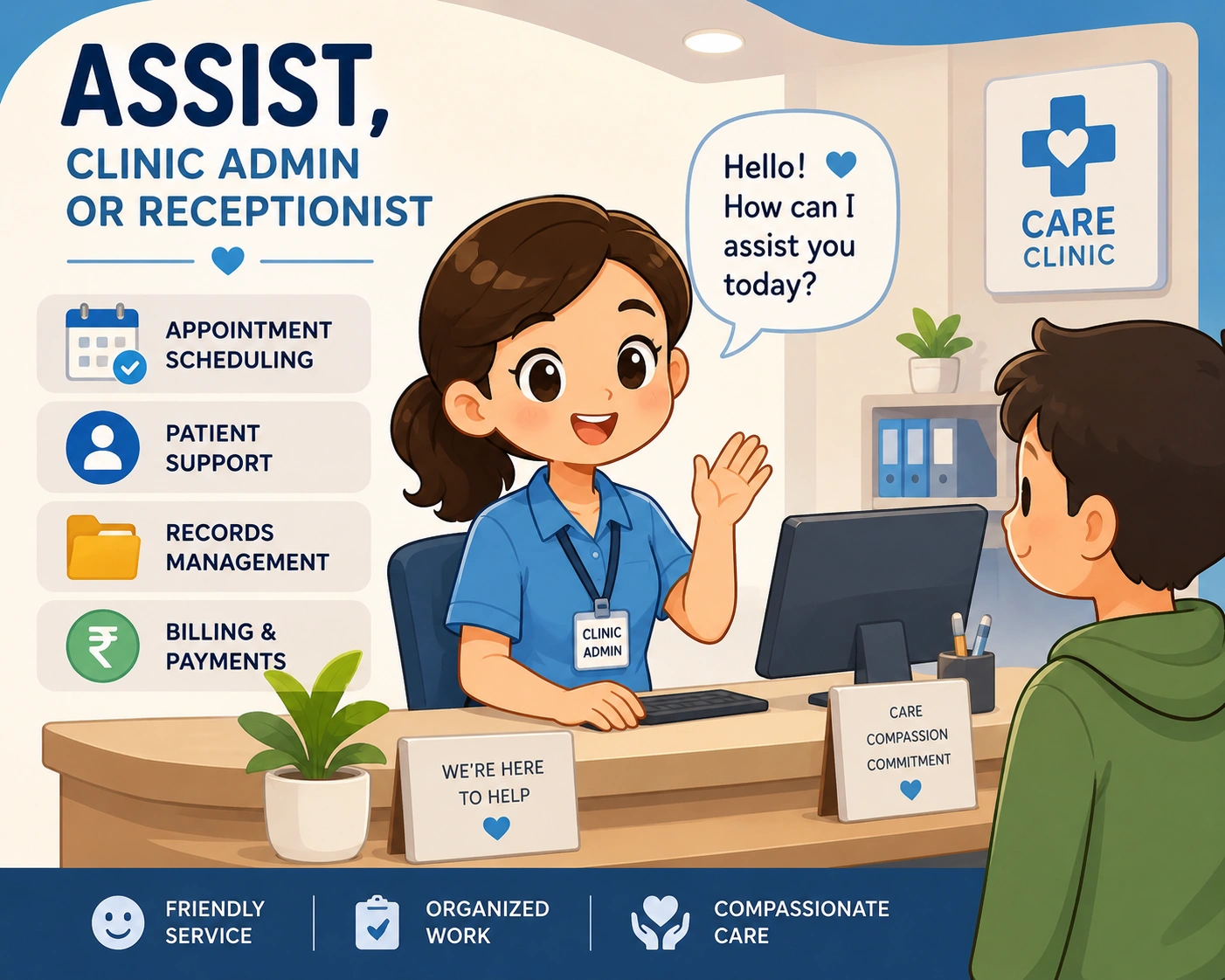
DrAssist App is designed to help your Clinic Admin or Receptionist to Book Your Appointments, Manage Your OPD Queues and Track Patient Payments.

Web Interface is designed to help Doctors provide Easy Prescriptions and View Patient Records from a Laptop or Desktop Computer.
Step 1
Your expertise and photo are visible to patients, so complete your profile before inviting them.
Tip: Upload a professional photo and medical registration number so new patients know you better.
Step 2
Let patients know you will consult on a medico-legally safe app.
Tip: Encourage patients to avoid social messaging apps for medical consultation.
Step 3
DrPrax supports teleconsultation along with prescription creation.
Step 4
Creating prescriptions is simple from the patient chat window.
Tip: Use the web portal on desktop or laptop for faster prescription generation.
Step 5
Doctors can charge patients before or after consultation depending on the case.
Tip: Start with prepaid consultation for a new patient to protect the value of your time.
Step 6
Payments are transferred directly to your bank account.
